OBD2 protocol list: the complete practical guide to OBD-II communication protocols
OBD2 protocol list is one of the most useful searches when a scan tool will not connect, an ELM327 adapter shows “unable to connect,” or a vehicle uses pins that do not match what the owner expected. OBD-II is often described as one system, but the 16-pin connector can carry several different communication protocols depending on model year, market, manufacturer and vehicle type.

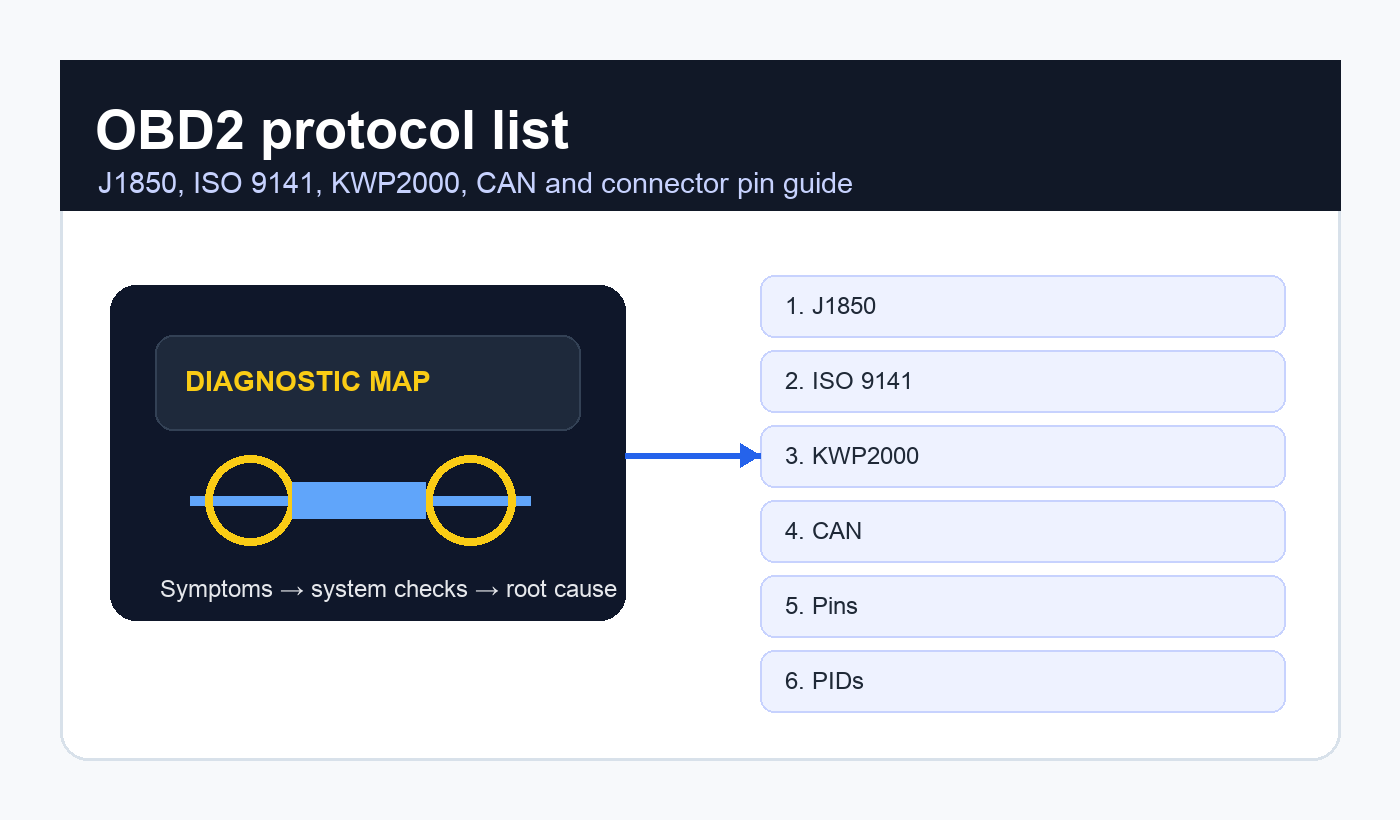
This guide explains the OBD2 protocol list in a practical way: SAE J1850 PWM, SAE J1850 VPW, ISO 9141-2, ISO 14230-4 KWP2000, ISO 15765-4 CAN, 11-bit CAN, 29-bit CAN, 250 kbps CAN, 500 kbps CAN, J1962 connector pins, EOBD/JOBD context, ELM327 compatibility, J1939 heavy-duty differences and why protocol auto-detection sometimes fails.
Quick answer: the standard OBD2 protocols
The standard OBD2 protocol list usually includes five main OBD-II protocol families: SAE J1850 PWM, SAE J1850 VPW, ISO 9141-2, ISO 14230-4 KWP2000 and ISO 15765-4 CAN. CAN has several variants, commonly separated by 11-bit or 29-bit identifiers and 250 kbps or 500 kbps data rates. Since the late 2000s, CAN became the dominant OBD-II emissions diagnostic protocol on passenger vehicles in many markets.
| Protocol | Common pins | Typical use | What scan-tool users notice |
|---|---|---|---|
| SAE J1850 PWM | 2 and 10 | Many older Ford-family vehicles | Two-wire bus, older pre-CAN diagnostics. |
| SAE J1850 VPW | 2 | Many older GM vehicles | Single-wire bus, older American vehicles. |
| ISO 9141-2 | 7 and optional 15 | Older European and Asian vehicles | K-line communication with slower initialization. |
| ISO 14230-4 KWP2000 | 7 and optional 15 | Late pre-CAN European/Asian vehicles | K-line protocol with 5-baud or fast init variants. |
| ISO 15765-4 CAN | 6 and 14 | Most modern OBD-II passenger vehicles | CAN communication, often 11-bit/500 kbps. |
What owners need to know first
This guide is written for owners, buyers and technicians dealing with OBD2 protocol list in the real world. It focuses on symptoms, checks, realistic repair decisions, legal limits where relevant, and the points worth confirming before buying parts or trusting a seller’s claim.
Why one connector does not mean one protocol
The first lesson in any OBD2 protocol list is that the physical connector and the communication protocol are not the same thing. The standardized diagnostic connector is the familiar 16-pin J1962-style port, but different vehicles populate different pins and speak different electrical languages. A tool can physically plug in and still fail to communicate if it does not support the vehicle’s protocol.
That is why a practical OBD2 protocol list should always be read together with the connector, the model year and the market where the vehicle was sold.
The broader OBD-II system provides access to diagnostic trouble codes, live data, readiness monitors and emissions-related information. A useful technical overview of the system and its protocol families is available in the On-board diagnostics reference.
SAE J1850 PWM
SAE J1850 PWM belongs near the top of the OBD2 protocol list because it appears on many older Ford-family vehicles. PWM means pulse width modulation. On the OBD connector, it typically uses pin 2 for Bus+ and pin 10 for Bus-. It is a two-wire bus and is associated with older American vehicles before CAN became dominant.
If a scan tool does not support J1850 PWM, it may power up from pin 16 and still fail to connect. That creates a common owner mistake: assuming the port is dead because the tool lights up but cannot talk. Power and communication are separate questions.
SAE J1850 VPW
SAE J1850 VPW is another important entry in the OBD2 protocol list. VPW means variable pulse width, and it is commonly associated with older General Motors applications. It generally uses pin 2 rather than the two-wire pin 2/pin 10 pattern seen on PWM vehicles.
| J1850 type | Typical connector clue | Common association | Common mistake |
|---|---|---|---|
| PWM | Pins 2 and 10 populated | Older Ford-family vehicles | Using a tool that only handles CAN. |
| VPW | Pin 2 populated without pin 10 bus pair | Older GM-family vehicles | Assuming all pin-2 vehicles are the same. |
ISO 9141-2
ISO 9141-2 is the K-line protocol many people meet when researching older European and Asian cars. In a practical OBD2 protocol list, this protocol is tied to pin 7 for K-line and sometimes pin 15 for L-line initialization. Communication is slower than modern CAN, and connection behavior can feel less immediate.
For older cars, a cheap adapter may struggle with initialization timing. That does not automatically mean the ECU is bad. It can mean the scan tool, adapter firmware, phone app or protocol selection is wrong.
ISO 14230-4 KWP2000
ISO 14230-4, commonly called KWP2000, is another K-line entry in the OBD2 protocol list. It can use 5-baud initialization or fast initialization depending on application. Like ISO 9141-2, it often uses pin 7, but the message structure and initialization behavior differ.
KWP2000 matters because many late pre-CAN cars sit in the awkward zone where generic tools may connect inconsistently. If an app has manual protocol selection, choosing the correct KWP variant can be the difference between a failed connection and full live data.
ISO 15765-4 CAN
ISO 15765-4 CAN is the modern centerpiece of the OBD2 protocol list. CAN uses pins 6 and 14 on the standard OBD connector and supports faster, more robust communication than older K-line and J1850 protocols. In many passenger vehicles, OBD requests use functional addressing and receive responses from ECU IDs in a defined range.
CAN is not one single setting. Many scanners distinguish 11-bit versus 29-bit identifiers and 250 kbps versus 500 kbps. A tool that supports only one CAN variant may fail on vehicles using another. A deeper technical reference for standard OBD data requests and service modes is the OBD-II PIDs reference.
| CAN variant | Identifier length | Typical speed | Where users see it |
|---|---|---|---|
| ISO 15765-4 CAN 11/500 | 11-bit | 500 kbps | Very common modern passenger-car setting. |
| ISO 15765-4 CAN 29/500 | 29-bit | 500 kbps | Some vehicles and expanded addressing use cases. |
| ISO 15765-4 CAN 11/250 | 11-bit | 250 kbps | Less common but still seen in protocol lists. |
| ISO 15765-4 CAN 29/250 | 29-bit | 250 kbps | Often confused with heavy-duty CAN/J1939 context. |
OBD2 connector pin clues
A practical OBD2 protocol list should include connector pin clues, but pin clues are not absolute proof. Pin 16 should provide battery power. Pins 4 and 5 are grounds. Pins 6 and 14 suggest CAN. Pin 7 suggests K-line. Pin 2 suggests J1850 VPW or PWM context, and pin 10 paired with pin 2 suggests J1850 PWM.
| Pin | Common role | Protocol clue |
|---|---|---|
| 2 | J1850 Bus+ | VPW or PWM context. |
| 4 | Chassis ground | Needed for tool power/ground reference. |
| 5 | Signal ground | Diagnostic signal reference. |
| 6 | CAN High | ISO 15765 CAN. |
| 7 | K-line | ISO 9141-2 or ISO 14230-4. |
| 10 | J1850 Bus- | J1850 PWM when paired with pin 2. |
| 14 | CAN Low | ISO 15765 CAN. |
| 15 | L-line optional | Older ISO initialization support. |
| 16 | Battery positive | Powers many scan tools. |
ELM327 adapters and protocol auto-detection
Many people search OBD2 protocol list because an ELM327 adapter fails. The adapter may claim broad protocol support, but clone quality, firmware version, app behavior and vehicle timing matter. Auto-detect can fail when voltage is low, the ignition is not in the correct state, another module is holding the bus busy, or the adapter does not truly support the listed protocol.
When troubleshooting, try ignition on engine off, engine running, a different app, manual protocol selection and a known-good scanner. Do not diagnose the car until you have diagnosed the tool. Cheap adapters can be the weakest part of the chain.
For adapter buyers, the best OBD2 protocol list is the one your hardware truly supports, not the one printed on a marketplace listing.
A useful test is to connect the same adapter to a known-good vehicle from a similar era. If it fails there too, the problem is probably the adapter, app, phone permissions or cable rather than the original car. This saves time and avoids false ECU suspicion.
OBD-II services, modes and PIDs
The OBD2 protocol list tells you how the scanner communicates, but services and PIDs tell you what it asks for. Standard OBD-II services include current data, freeze-frame data, stored diagnostic trouble codes, clearing codes, monitor results, pending codes and vehicle information. PIDs such as coolant temperature, engine rpm, fuel trims and oxygen sensor values live inside those services.
| Service | Common name | Use |
|---|---|---|
| 01 | Current data | Live sensor and monitor information. |
| 02 | Freeze frame | Snapshot when a fault was stored. |
| 03 | Stored DTCs | Confirmed diagnostic trouble codes. |
| 04 | Clear codes | Erase DTCs and related data. |
| 07 | Pending DTCs | Faults detected but not yet confirmed. |
| 09 | Vehicle information | VIN, calibration IDs and related data. |
Why a scanner powers up but cannot connect
One of the most common reasons people need an OBD2 protocol list is the scanner power paradox. The tool lights up because pin 16 has battery power and pins 4/5 provide ground, but communication still fails because the correct protocol pins are missing, damaged or unsupported by the tool.
Before blaming the ECU, check the vehicle battery, OBD fuse, connector pins, protocol compatibility and whether the tool works on another car. If a generic code reader fails but a professional scan tool connects, the vehicle is probably not the problem.
Heavy-duty vehicles and J1939
A complete OBD2 protocol list should mention SAE J1939 because truck and heavy-duty diagnostics often live in a different world. J1939 is CAN-based but uses different conventions, parameter group numbers and often different connectors, especially on heavy-duty vehicles. Some trucks may physically use an OBD-style connector while communicating with heavy-duty conventions.
This is why a passenger-car OBD app may be disappointing on a diesel truck, bus, tractor or industrial engine. The connector shape does not guarantee the diagnostic language.
Heavy-duty users should treat the OBD2 protocol list as a starting point and then confirm whether the vehicle really needs J1939-capable hardware and software.
EOBD, JOBD and regional differences
The OBD2 protocol list also changes by market language. EOBD is the European implementation of OBD emissions diagnostics, while JOBD is often used in Japanese-market context. The hardware may look familiar, and many generic services overlap, but model year, emissions rules and manufacturer support can affect what a generic scanner sees.
Imported vehicles can be tricky. A car with an OBD-style connector may not support the same generic OBD-II behavior expected from a U.S.-market vehicle of similar year. Always check market, model year and emissions label.
Regional terms can make the OBD2 protocol list look more complicated than it is, but the underlying question remains the same: which electrical protocol is the ECU speaking?
How to identify your vehicle protocol
The safest way to use an OBD2 protocol list is as a decision process. Start with vehicle year and market. Inspect connector pins. Use a scan tool with automatic protocol detection. If it fails, try manual selection based on pin clues. Then confirm with live data, not just a successful connection message.
A professional approach also checks the basics around the port itself. The diagnostic connector can be loose, pushed back into the trim, missing a terminal, or affected by a blown fuse that powers only the scan-tool side of the circuit. On some vehicles, cigarette lighter, accessory socket or interior fuse circuits share protection with diagnostic-port power. If the scan tool does not power up, find the power and ground issue before thinking about protocols. If it powers up but cannot communicate, then protocol support, bus wiring and module wake-up become the next questions.
Do not ignore ignition state. Some older vehicles communicate only with the key on, engine off. Others may show more stable live data with the engine running. Hybrid and start-stop vehicles can add another layer because the ignition state shown to the driver may not match the module state a basic scanner expects. A patient connection sequence often solves what looks like a compatibility problem.
| Step | What to do | What it proves |
|---|---|---|
| 1 | Check model year and market | Filters likely protocol families. |
| 2 | Inspect OBD pins | Suggests CAN, K-line or J1850. |
| 3 | Check scanner protocol support | Avoids tool mismatch. |
| 4 | Try auto-detect | Lets tool negotiate if capable. |
| 5 | Try manual protocol | Useful when auto-detect fails. |
| 6 | Verify live data and codes | Confirms real communication. |
Protocol list for quick reference
The following OBD2 protocol list is the owner-friendly reference most people need when matching a scanner to a car. It is not a substitute for the factory wiring diagram, but it quickly narrows the likely protocol.
Use the table as a clue, not a courtroom verdict. Manufacturers sometimes leave unused terminals in place, aftermarket harness repairs can change appearances, and imported vehicles may not follow the expectations of the country where the vehicle is now being diagnosed. The correct answer is the one confirmed by communication, wiring information and vehicle-specific data.
| Protocol name | Common short label | Pins | Speed/context |
|---|---|---|---|
| SAE J1850 PWM | J1850 PWM | 2, 10 | 41.6 kbps, older Ford-family. |
| SAE J1850 VPW | J1850 VPW | 2 | 10.4/41.6 kbps context, older GM-family. |
| ISO 9141-2 | ISO | 7, optional 15 | K-line, older European/Asian. |
| ISO 14230-4 | KWP2000 | 7, optional 15 | K-line fast or 5-baud init. |
| ISO 15765-4 CAN | CAN | 6, 14 | 11/29 bit, 250/500 kbps variants. |
| SAE J1939 | J1939 | Varies | Heavy-duty CAN-based diagnostics. |
Common mistakes
The biggest mistake with an OBD2 protocol list is treating pin 16 power as proof that the scanner should communicate. Another mistake is buying a cheap adapter with a long protocol claim but poor firmware. A third mistake is assuming every post-2008 vehicle will behave identically simply because CAN is required in many passenger-car contexts.
Protocol identification is also not the same as diagnosis. If the tool connects and shows a code, you still need freeze-frame data, live data and normal diagnostic reasoning. For code-label confusion, our 07E8 code / 07E8 engine code guide explains why scanner wording can mislead owners.
A reliable OBD2 protocol list helps you connect; disciplined troubleshooting helps you avoid replacing parts just because a code appeared.
Internal resources for diagnostic context
For wiring and connector thinking, the Volkswagen stereo wiring color diagram guide is a useful reminder that pin position and wire function must be verified, not guessed. For older ignition and code diagnosis habits, see our Dodge 318 firing order article.
Frequently asked questions
What is the most common OBD2 protocol?
On modern passenger vehicles, ISO 15765-4 CAN is the most common entry in the OBD2 protocol list. Older vehicles may use J1850, ISO 9141-2 or ISO 14230-4 instead.
Can I tell the protocol from the connector pins?
Often, yes. Pins 6 and 14 suggest CAN, pin 7 suggests K-line, pin 2 suggests J1850, and pins 2 plus 10 suggest J1850 PWM. But pin clues should be confirmed with a scan tool and wiring data.
Why does my ELM327 not connect?
The adapter may not support the vehicle’s protocol, auto-detection may fail, voltage may be low, the OBD fuse may be blown, or the adapter firmware may be poor. Try a known-good scanner before blaming the ECU.
Are OBD2 and CAN the same?
No. CAN is one communication protocol used by OBD-II systems. The OBD2 protocol list also includes older J1850 and K-line protocols.
Do all vehicles support every PID?
No. OBD-II defines standard services and many PIDs, but vehicles support subsets, and manufacturers can add proprietary data. A successful connection does not mean every live-data item is available.
Final verdict
OBD2 protocol list is more than a list of names. It is the map between a vehicle, a connector, a scan tool and the diagnostic data you hope to read. If the protocol is wrong, the tool may power up and still tell you nothing. If the protocol is right, you can move from connection problems to real diagnostics.
Use the OBD2 protocol list as a workflow: identify year and market, inspect pins, match the scanner, confirm communication, then interpret codes and live data. That sequence prevents wasted parts, bad adapter purchases and false assumptions about a dead ECU.